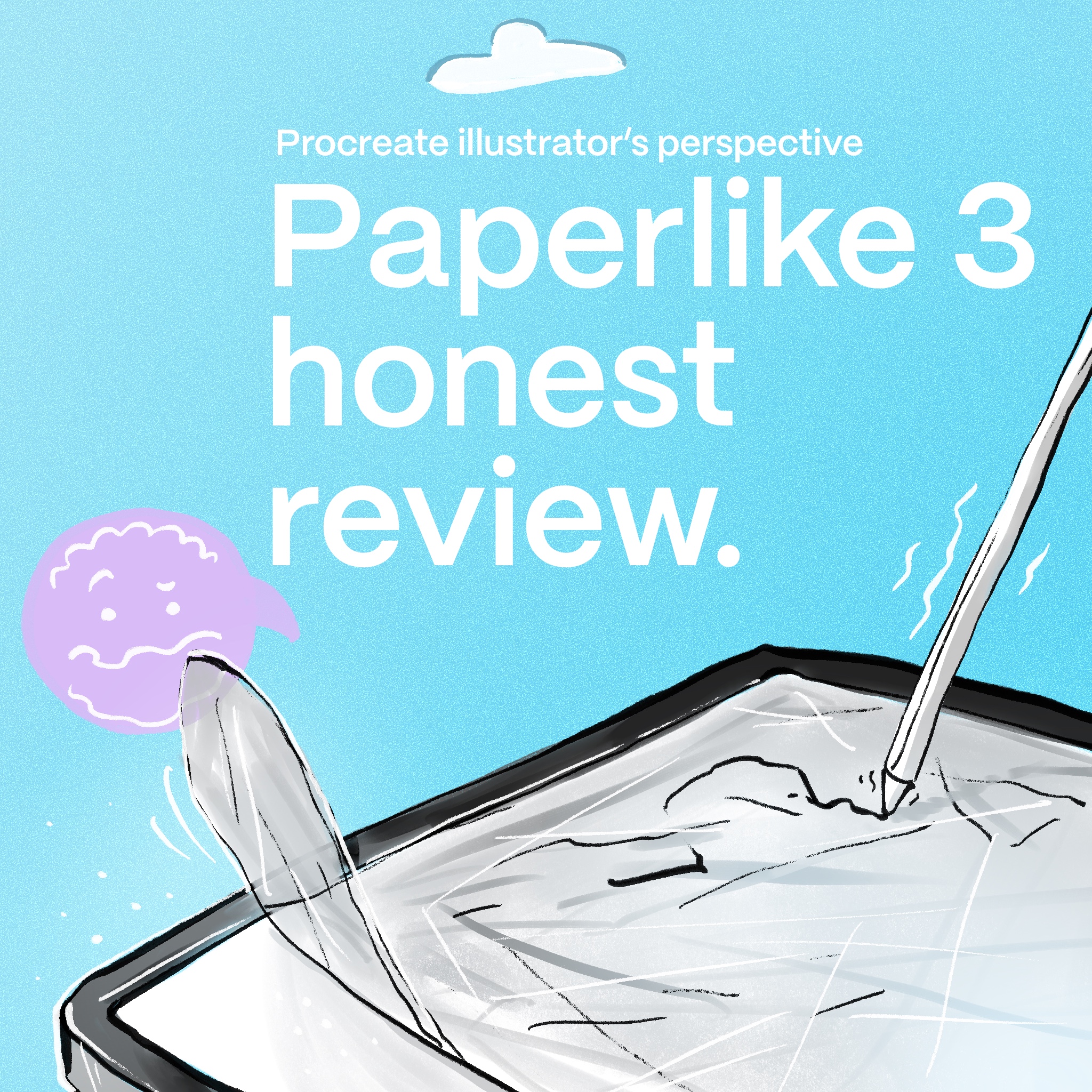
I felt like now would be a good time to write a short review of the Paperlike 3 screen protector, as black friday deals are flooding in from all directions and people are buying things without too much thinking.
TL;DR: I do not recommend the Paperlike 3 screen protector for artists. Contrary to what you'd think the friction it introduces to the screen makes controlled drawing more difficult rather than easy. It’s more paper-like for sure, but not in a good way, and I don’t think the trade-off is worth it. The sound it makes while drawing is very nice though 😀
Story time:
On paper (hehe) the Paperlike seems like a good idea. It gives your iPad a matte screen with grittier texture that makes drawing on it feel closer to real pencil and paper. The default iPad screen can feel a bit too slippery for those coming from traditional media or other drawing tablets, so adding a subtle texture on top of the screen can sound like a great upgrade. Paperlike's packaging and application system with on-screen follow-along instructions are also top tier, really well made. You’re guided through the whole process of cleaning the screen, removing dust, applying the protector and getting rid of air bubbles. All the tools required are included, and they even include two screen protectors in each pack just so that if you mess up with the first one you’ll always have a backup. I really appreciate this.
I installed the first protector in winter 2025 after upgrading to the M4 iPad Pro. Previously I had only tried the first version of Paperlike, as well as Elecom’s similar protector, but I didn’t like either of them. They made touch input worse and altered the screen colours way too much for my taste, so I’ve been drawing without any screen protectors since forever now. But when I got a brand new iPad I started looking into textured screen protectors again, and the version 3 of Paperlike had received such good reviews that I decided to give it a go.
At first I loved the texture. It really felt more like drawing on paper, and especially the sound that came from the screen when moving the Apple Pencil over it was really pleasant. It also didn’t mute colours the same way as those older screen protectors, and touch input seemed to work almost normally. Some light touches were left unregistered but this was worth the trade-off.
I did immediately notice that something was off in the drawing experience though. I wasn’t sure if it was because of the protector, or the fact that I had a new device with a new operating system and a new version of Procreate, and even a new Apple Pencil, but especially when trying to draw clean lines those became super wonky. I’ve been drawing on an iPad pretty much daily for over a decade now so I have a pretty good idea on how drawing on it should feel, and this felt wrong.
I kept the Paperlike protector on my iPad for about a month, worked on some book illustrations, but decided to remove it as a test since I did still have the second protector left in case the root cause for the issues was something else. After removing the protector I could immediately draw normally again, my lines were clean and controlled, and everything was more effortless. I also noticed how much better the screen looked without the protector. I hadn’t realised that the protector gathers scratches super easily, and it was basically just all scratches after only a month of drawing, which made the screen colours and contrast much worse than what they were when the protector was freshly installed.
The main issue with the Paperlike 3 protector is ironically the very thing why it even exists: friction.
The texture and friction affect how the Pencil and drawing hand glide across the screen when drawing. It’s what makes Paperlike paper-like, but also what causes the problem with it. The friction is uneven, which causes jagged lines when your hand makes small micro stutters all the time while drawing. For quick sketchy drawing or painting it works well, and I can see people liking it for that kind of work, but once you try to do anything that requires precision or long strokes Paperlike will work against you.
I’m especially worried about new artists who begin their digital art journey with a screen protector like this. A paper-like texture sounds like drawing on it should feel closer to traditional art, thus making the transition from actual paper to the iPad easier. Once you start drawing and feel like you can’t completely control your strokes you might just blame your lack of drawing skills and look for help in stabilisation settings or other accessories like drawing gloves or custom Pencil nibs.
Quickly testing a screen protector with a texture can genuinely make a good impression. I was also impressed how it felt and sounded, but once you start drawing and painting actual finished artworks you’ll experience the downsides of the friction. If I didn’t have the long history of drawing on an iPad without any screen protectors I don’t know if I had suspected Paperlike to be the cause of the issues I had with this new iPad.
November 2026
After almost a year, now in november 2026, I decided to give Paperlike another go and installed the second screen protector I had lying around in my closet. The application instructions were still amazing, and the whole butterfly system they’ve developed for it works just so well it should become a standard in all screen protectors. But the damage the protector does to the drawing experience is still real. I kept the protector on for a couple of weeks, finishing some book illustrations again, but I had to remove it eventually. It takes such an effort to get clean line art with the protector installed that I don’t think it’s worth it. You can work around the issues by adding some stabilisation and motion filtering in Procreate, but this also alters your overall strokes. Curves become stiffer and you lose the expressiveness of your normal drawing style. I also tried drawing with a glove to eliminate the friction under my hand, but the uneven friction affects the Pencil nib as well which causes the same issues.
After removing the protector I felt like I had been freed, like I could once again draw without constraints.
I hope this message finds someone who’s considering purchasing a Paperlike screen protector. If you have the extra money I’d actually suggest buying it and trying it for yourself, keeping in mind how it alters the way you can draw on an iPad. Draw first without it for a while, then add the protector and see if you can get used to it. Everyone draws so differently it’s impossible to conclude that Paperlike would be bad for every iPad artist, but in my experience it’s not worth it. It’s a beautiful idea that doesn’t really deliver.
Fingers crossed that the version 4 will fix these issues, all the best to the Paperlike team!